

English
Ticket lifecycle
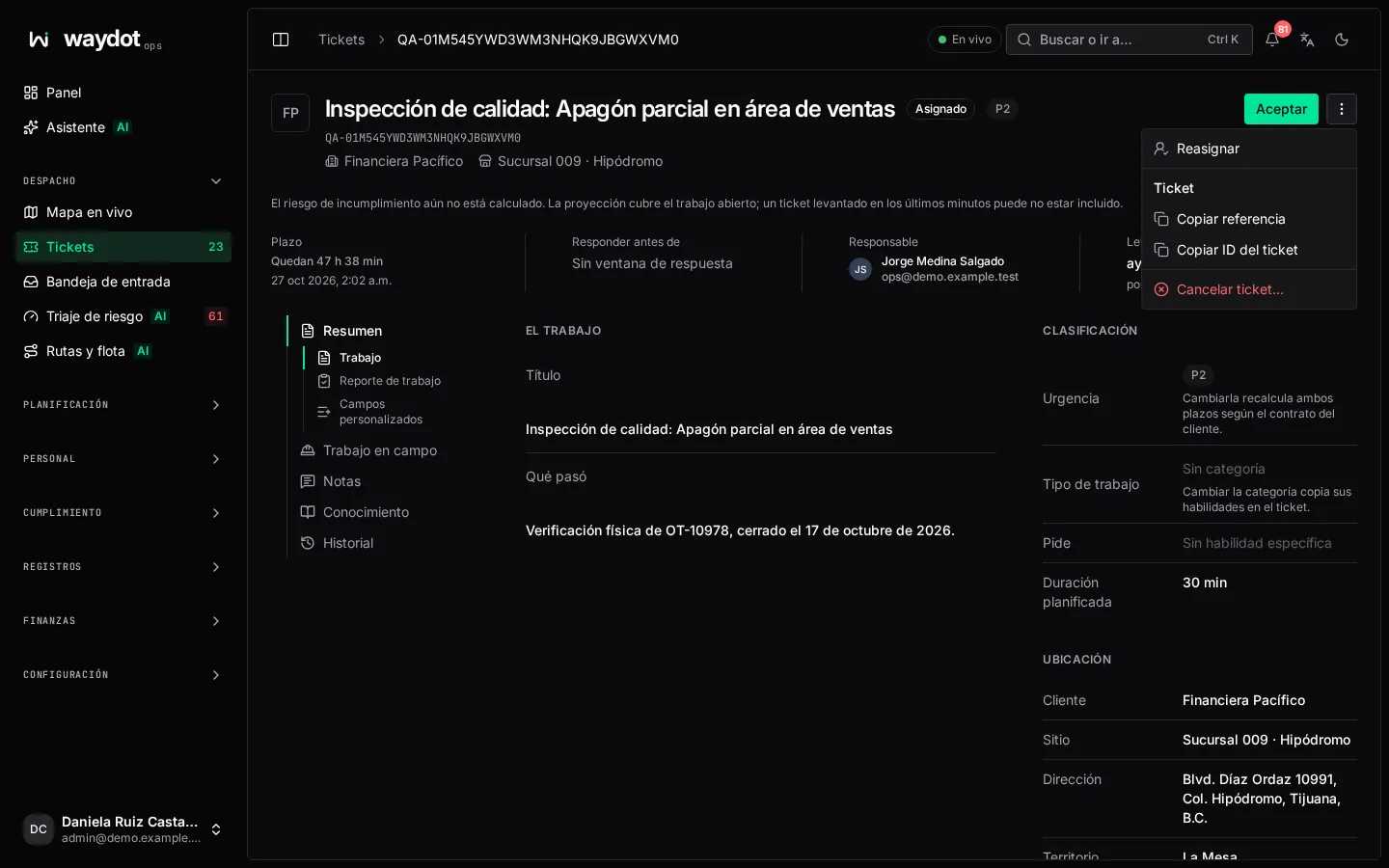
States
| State | Meaning | Who moves it |
|---|---|---|
| Open / Unassigned | Raised, without an agent. Waiting for dispatch. | On creation, or when returned to the queue. |
| Assigned | Has an agent, who hasn't confirmed yet. | Dispatch (automatic or a person). |
| Accepted | The agent confirmed they will do the work. | The agent in the app (or by accepting an offer). |
| In transit | The agent is on the way to the site. | The agent (Start travel). |
| Arrived | The agent is on site. Arrival is checked against the site's geofence. | The agent (Mark arrived) or the app on entering the geofence. |
| In progress | Work has started. | The agent (Start work). |
| Pending follow-up | The work was in progress and another visit is needed (a part, access…); the linked follow-up visit already exists. | Raising a follow-up from an in-progress ticket. |
| Resolved | Finished, with resolution notes. The SLA clock stops. | The agent or a supervisor (Resolve…). |
| Cancelled | The work was withdrawn. The SLA clock stops. | Whoever can cancel tickets. |
From the console you can take the same steps (Accept, Start travel, Mark arrived, Start work, Resolve…), move a ticket back to Assigned before it is accepted (Mark assigned) or Return to queue.
How a ticket reaches an agent
There are three paths:
A person assigns it, when raising it or later. See Assign a ticket.
Automatic dispatch (Smart dispatch module): when raised without an agent, WAYDOT scores every candidate in the territory (proximity, availability, shift left and skills, 0 to 100) and:
- if the best reaches the Assign outright at threshold (90 by default), it is assigned to them with no intervention;
- if the best fall between Offer at (70) and that threshold, an offer is sent to the best (Candidates per offer round, 3 by default). The first to accept takes the ticket. If an offer is declined or expires unanswered (10 minutes by default), dispatch tries the next candidates; whoever declined isn't offered it again;
- if nobody reaches Offer at, the ticket waits in the queue for a dispatcher to assign it.
If nobody in the site's zone can take the work, dispatch widens the search: first to neighboring zones in the same sector and then to the whole region. The ticket keeps how far it was widened, and the Dashboard counts those tickets as Widened.
Escalation: an escalation chain can reassign a ticket that isn't moving. See below.
Thresholds, offer lifetime and weights are changed in Platform settings → Dispatch. If Automatic assignment is turned off, every ticket is left to a dispatcher.
Agents who are not considered: off shift, without a recent location (older than the oldest usable position), without free capacity, or outside the ticket's territory.
Offers on the phone
The agent receives the offer with the site, the job, the distance and how long they have to answer; they accept or decline it (with a reason). See Respond to an offer.
Deadlines and SLA
Each ticket has two deadlines, calculated from when it is raised using the service-level matrix of the client's contract for the chosen priority:
| Deadline | What it measures |
|---|---|
| Respond by | The time to arrive on site. It is met when the arrival is recorded. |
| Deadline (resolution) | The time to resolve. |
Deadlines are fixed intervals from creation (for example, 4 straight hours). Changing the urgency recalculates both. Resolving or cancelling stops the clock. See Service levels.
A ticket is Past its SLA when it passed its deadline, and At risk when the SLA model expects it to miss it. See Risk triage.
Priority
Priority is never made up: it comes from the levels of the client's contract (P0 to P3 by default, each with its criteria of what counts as that level). Each ticket keeps Why this priority:
| Source | When |
|---|---|
| A person | Whoever raised or edited the ticket chose it. Editing it also confirms it. |
| The requester | The person asking for service stated it. |
| The client's system | It came from ServiceNow, Jira or another system, translated with the connection's priority map. |
| Assessed | AI triage compared the request with the contract criteria, with a confidence percentage. With low confidence, the ticket asks you to Confirm. |
| Internal | WAYDOT's own work, such as a quality inspection, which uses the contract's lowest level. |
If the priority can't be determined, the message waits in intake for a person to decide it.
Escalations
With an escalation chain, when a ticket nears or passes its deadline without moving, levels fire that notify certain roles and, if configured, reassign it. Each level is listed in the ticket's Escalations section.
Follow-up visits
When a job can't be finished in one visit, a follow-up is raised that inherits the site, diagnosis and skills. The original ticket moves to Pending follow-up and both are linked in a service chain.