

English
Writing styles
When a technician writes how they resolved a job, they can ask AI in the app to rewrite their resolution in a style: formal for the client's file, brief for the internal report, in the format a certain client asks for. Those styles are defined here.
Where it is: Configuration → Writing styles. Who sees it: people allowed to read the knowledge base; creating and changing needs publish, review and retire knowledge articles. Plan: Knowledge base module.
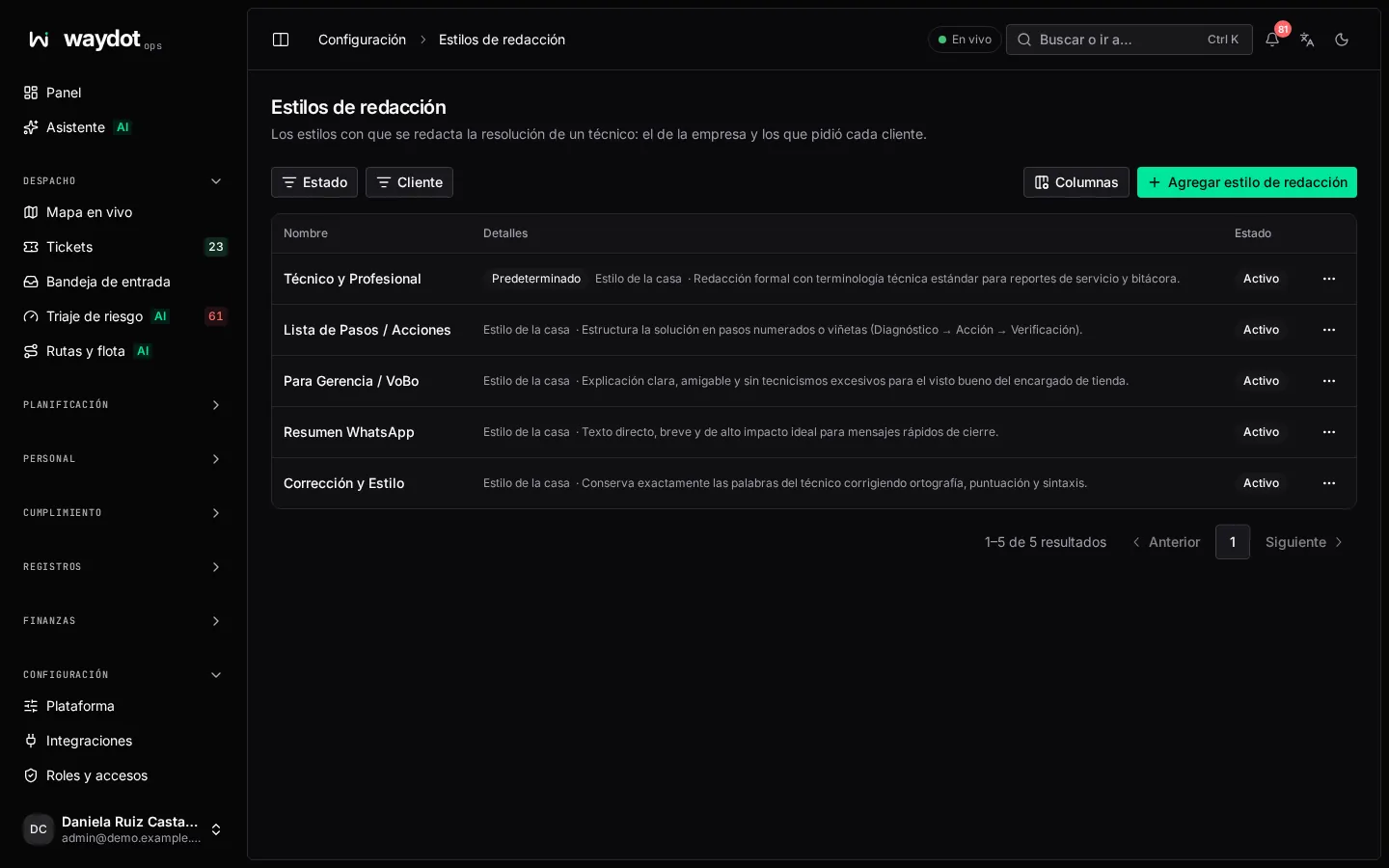
The list shows each style and which is the Default and the House style.
Creating a style
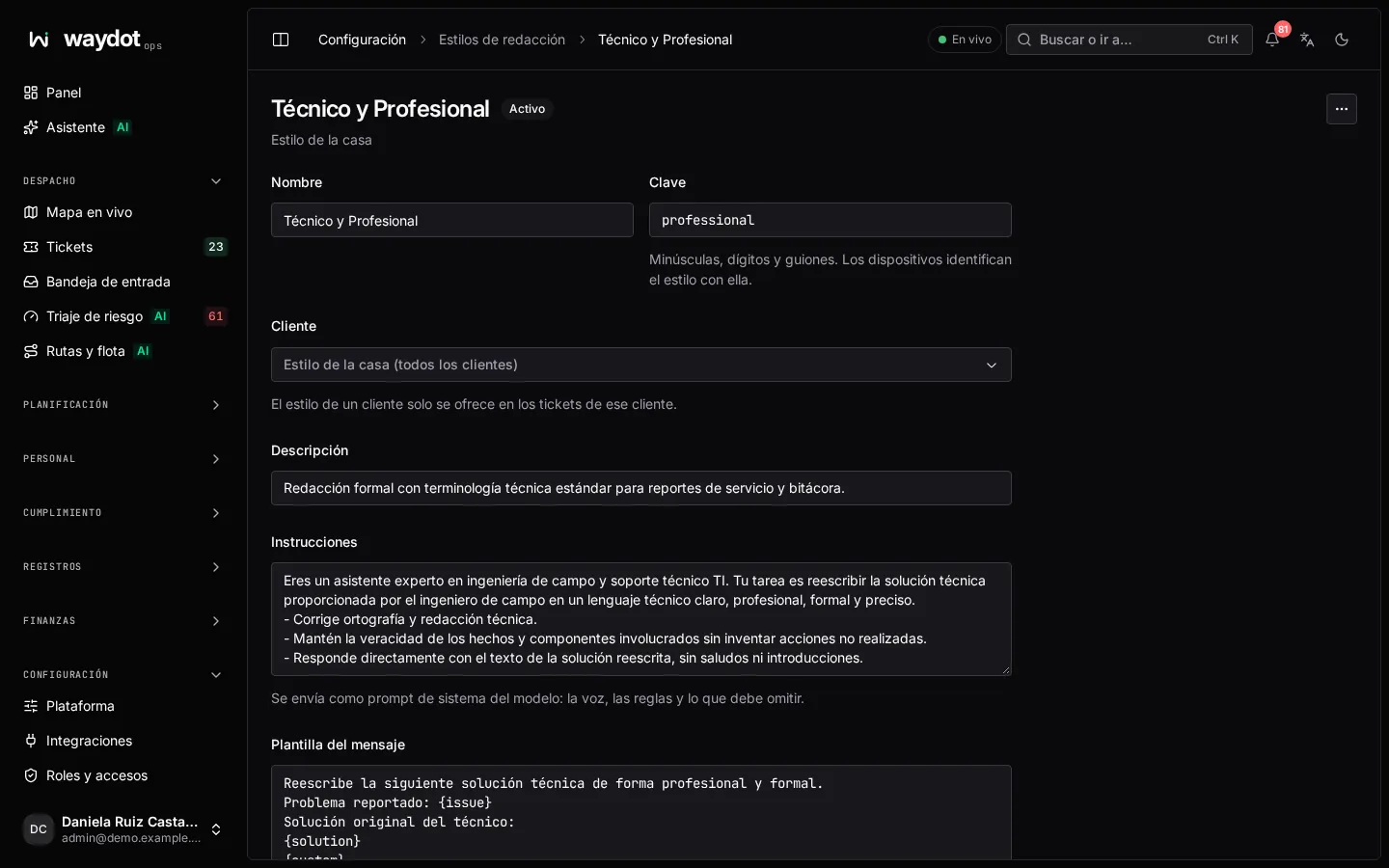
| Field | What it is |
|---|---|
| Name | For example Formal report. |
| Key | Lowercase letters, digits and hyphens. Devices identify the style by it. |
| House style (every client) | Offered on every ticket. |
| Client | For a client's style, it's only offered on that client's tickets. |
| Description | What the technician sees, for example Third person, past tense, no jargon. |
| Instructions | Sent to the model as system instructions: the voice, the rules and what to leave out. E.g. You rewrite field service resolutions for the client's file… |
| Message template | The message the model receives. It must contain the token where the technician's words go; use Insert to place it. |
| Order | Position in the app's list. |
| Preselected in the app | The style chosen by default. |
| Offered to technicians | Active or not. |
Save writing style.
How the technician uses it
In the app, when writing the resolution, the technician picks a style and asks for a rewrite. They review the result before saving; they can edit it or go back to their own text. Each rewrite consumes AI credits (unless the workspace uses its own key). See Use the AI assistant in the field.