

English
Human resources
Human resources is a separate app from the console, for the HR and payroll team. It uses the same people, roles and session as the console.
Where it is: at https://<your-workspace>.hr.waydot.mx, or from the console with Employee file in HR on a person's page. If you're already signed in to the console you go straight in (Opening human resources…). Who sees it: each screen according to your role's permissions (usually the HR administrator). If your role opens none: You have nothing in HR yet.Plan: Human resources add-on (employee files, org chart, leave, hiring and communications). Payroll and compensation is another add-on that needs Human resources. Both are included in Enterprise.
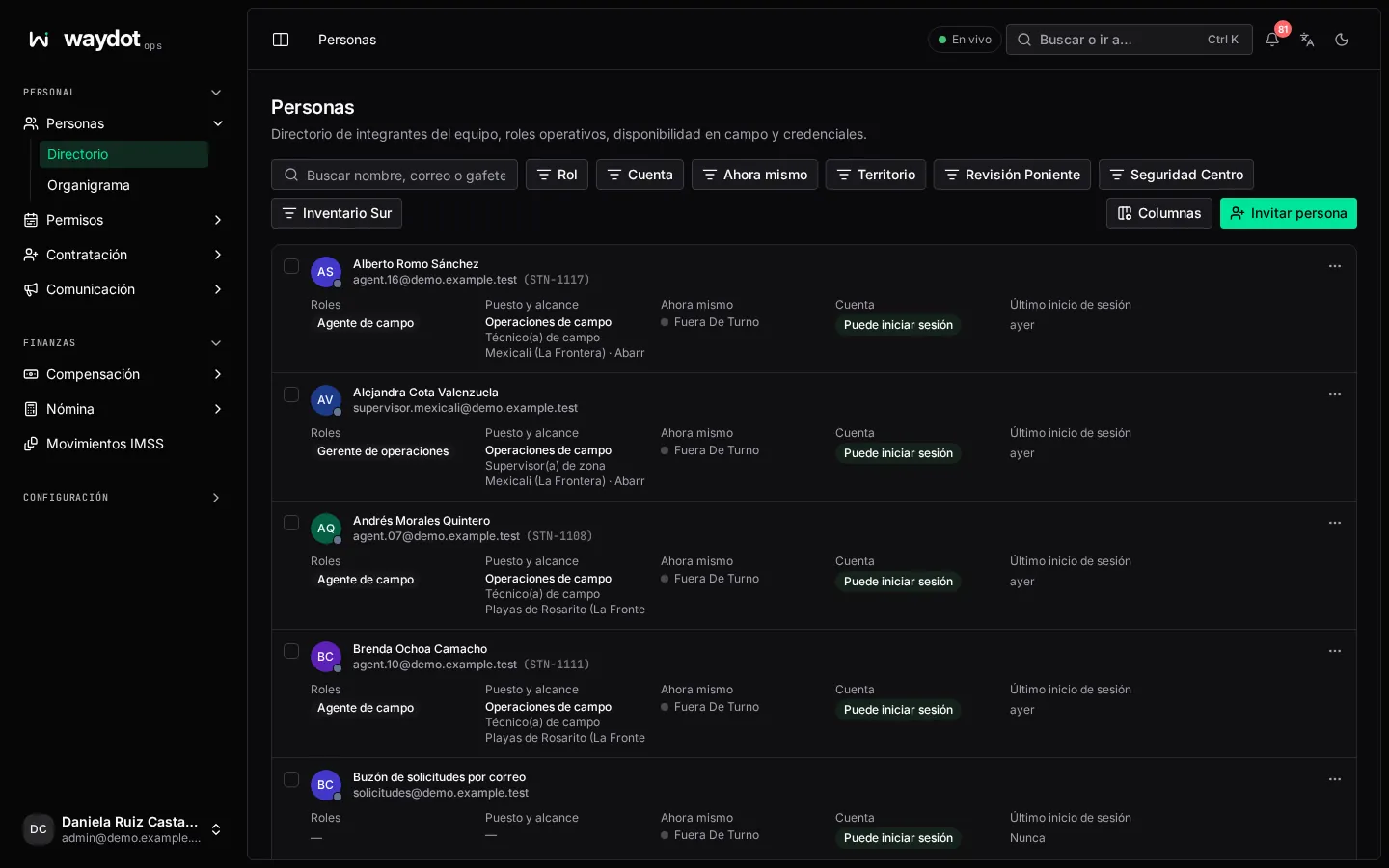
The menu
| Group | Screens |
|---|---|
| Workforce | People (directory and file), Organization chart, Leave (calendar and vacation balances), Hiring: Joining and leaving, Change requests, Metrics, NOM-035, Recruitment and the Careers site; Communication (news, surveys, recognition). |
| Finance | Compensation (pay, loans, tabulator), Payroll (periods, year-end bonus, settlements, PTU), Payroll tools (concepts, year totals, annual tax, gross-up, receipt import), IMSS notices. |
| Configuration | Holidays, Onboarding checklists, Electronic signature. |
| Settings | Payroll receipts (CFDI). |
What's configured in the console
Some HR rules live in the console's platform settings: Attendance, Leave (working days, vacation premium, lapsing days), Employee files (expiry warnings), Payroll (tax tables, work risk premium, state payroll tax, employer registration, year-end bonus) and Funding.
What the employee sees
Each employee sees their own file, payslip, vacation, news and surveys in the field app. What they request there (leave, change of details, attendance corrections) arrives in this app's queues.