

English
Onboarding checklists
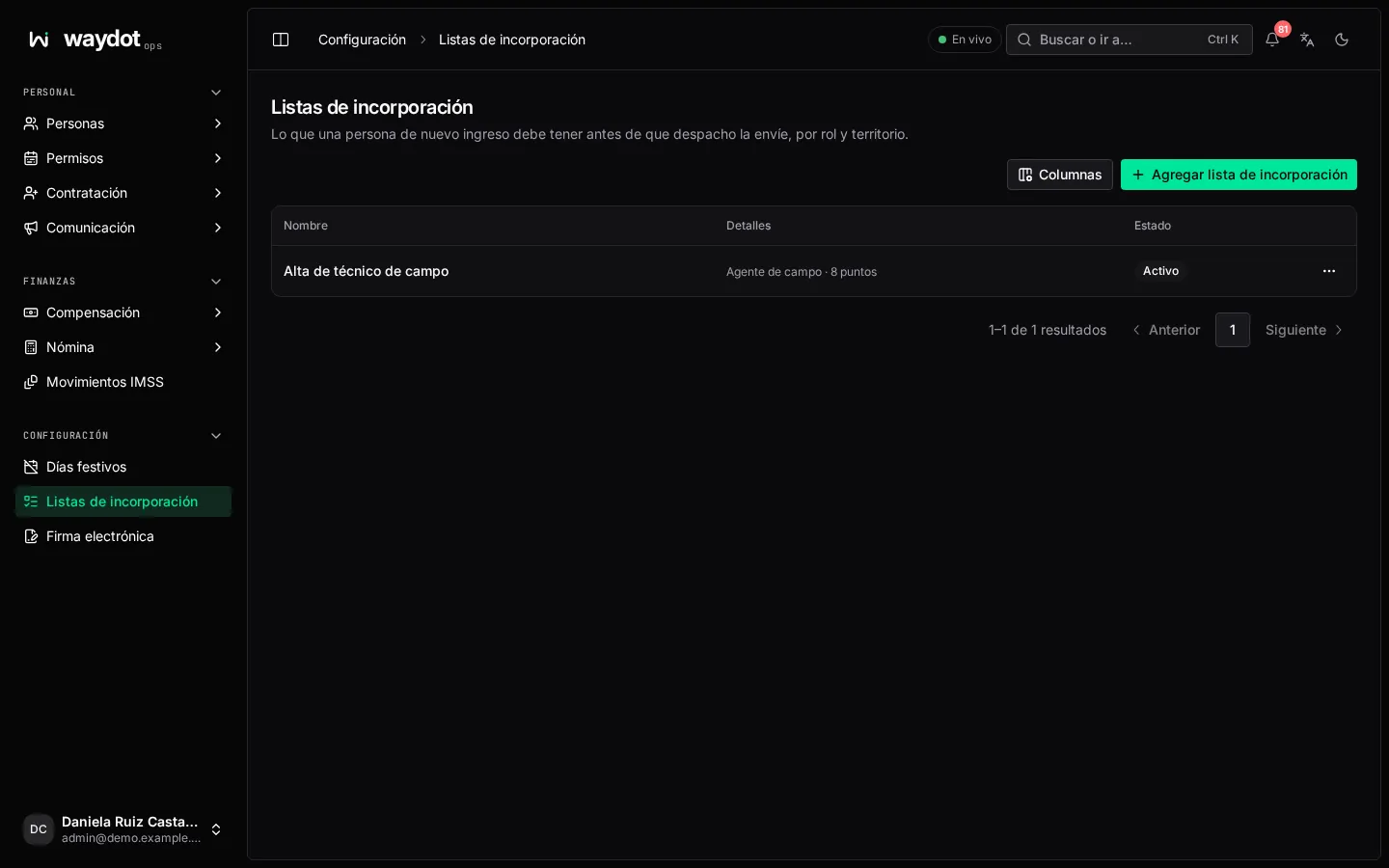
An onboarding checklist says what a new hire needs before going out to the field. Until they complete it, they're off the roster. With no checklist at all, new hires start without one.
Where it is: Configuration → Onboarding checklists. Who sees it: people allowed to maintain employee files. Plan: Human resources add-on.
Creating a checklist
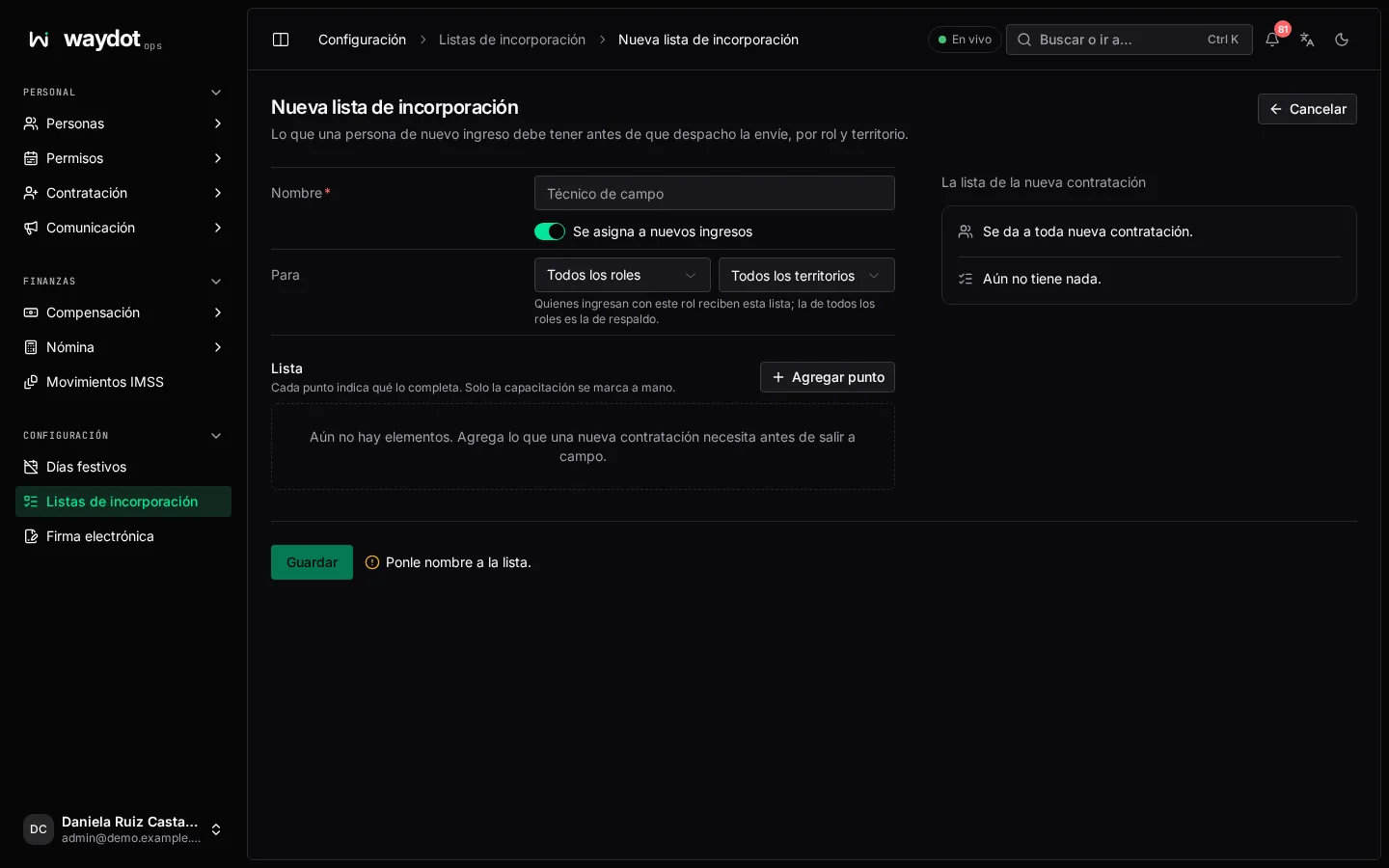
| Field | What it is |
|---|---|
| Name | E.g. Field technician. |
| For | A role (or Every role, the fallback) and a territory (or Every territory). Given to new hires in Tijuana with the Field agent role. |
| Given to new hires | Active or not. |
| Checklist | The items, in order. Add item. |
Each item has a name (Safety induction) and a type, which says what completes it:
| Type | Completed when… |
|---|---|
| Document | That document is verified in their file (pick which). |
| Certification | There's a current certification of the given course (DC-3 work at height). |
| Training | Whoever gave the training marks it. It's the only one marked by hand. |
| Equipment | They hold equipment or a vehicle in custody. |
| Access | Two-factor sign-in turned on or A territory assigned. |
| Signature | They sign a document with e-signature; the signed copy is filed in their file (pick the Document to sign and File the signed copy as). |
For a Signature item, save the checklist first and then Upload a PDF under Documents to sign.
On the right, The new hire's checklist shows how they'll see it: Ready for the field when: …
Which checklist each person gets
On Start onboarding from the employee file, they automatically get the active checklist for their role and territory; if there's none, the Every role one. You can also pick another by hand.